
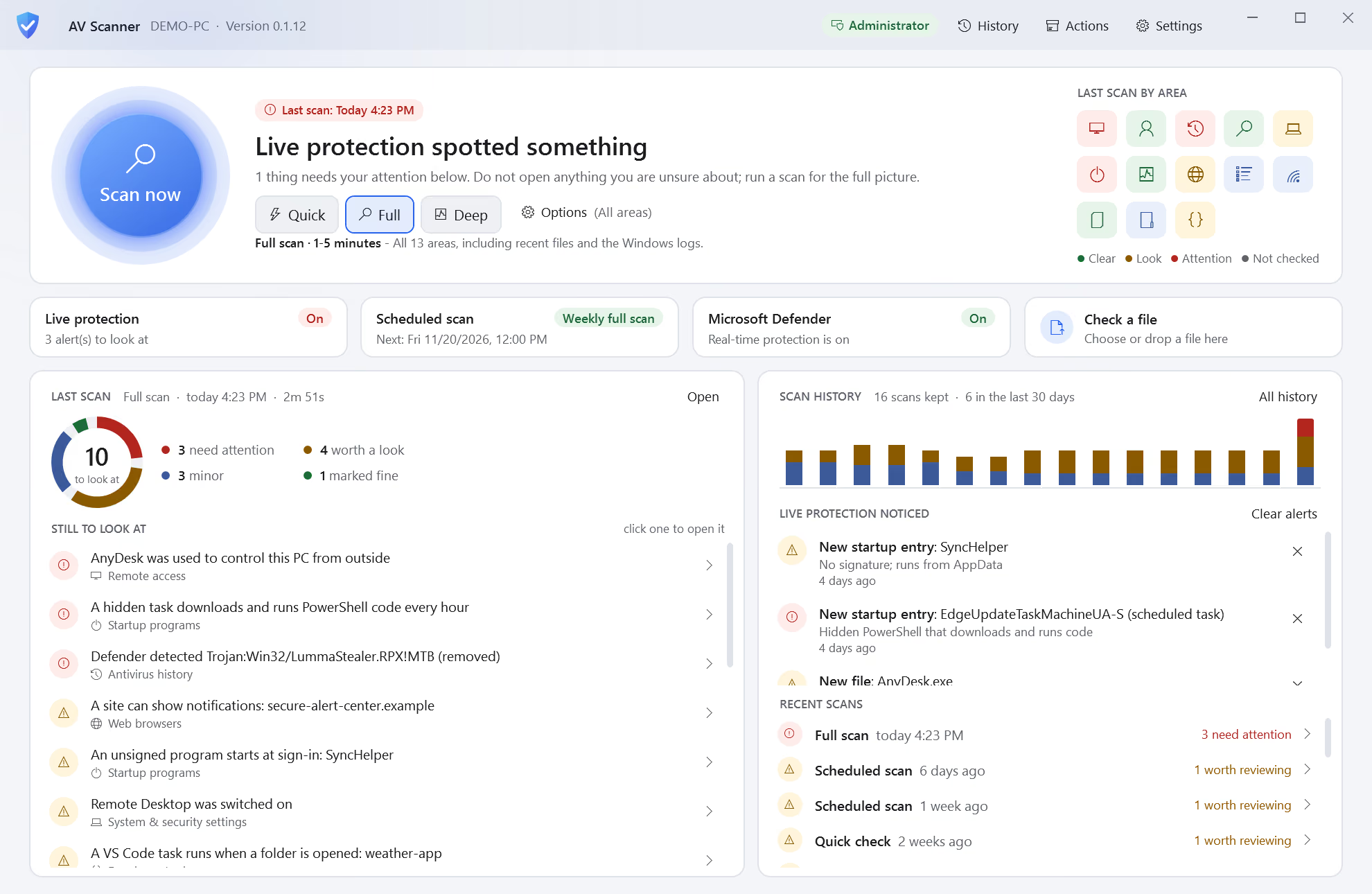

Overview
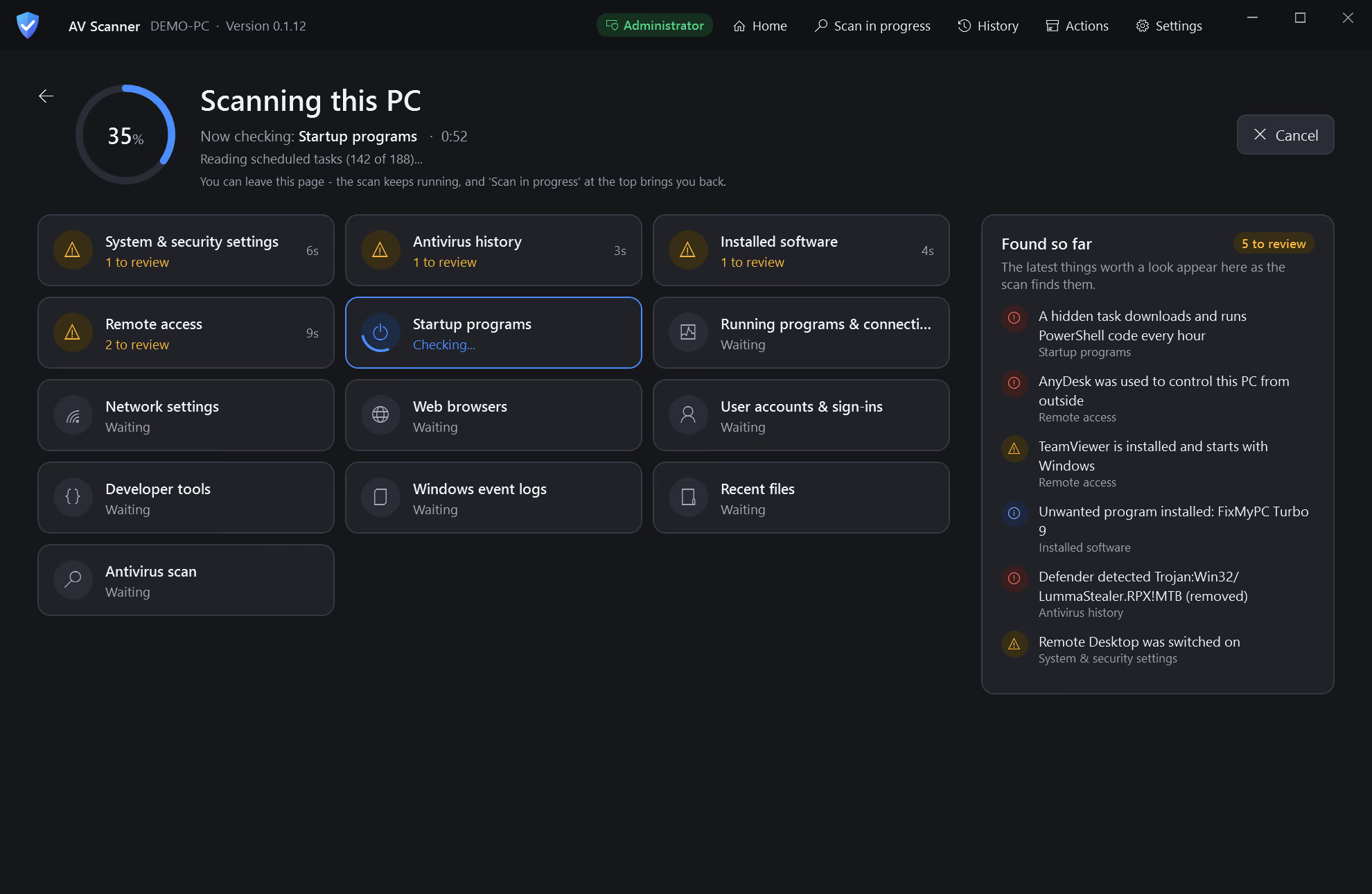
AV Scanner looks where malware, tech-support scammers and intruders leave traces across 13 areas of a Windows 10 or 11 PC: remote-access tools, startup entries, browser hijacks, sign-ins, event logs and more. It works alongside Microsoft Defender, uploads nothing, and needs no install or admin rights.
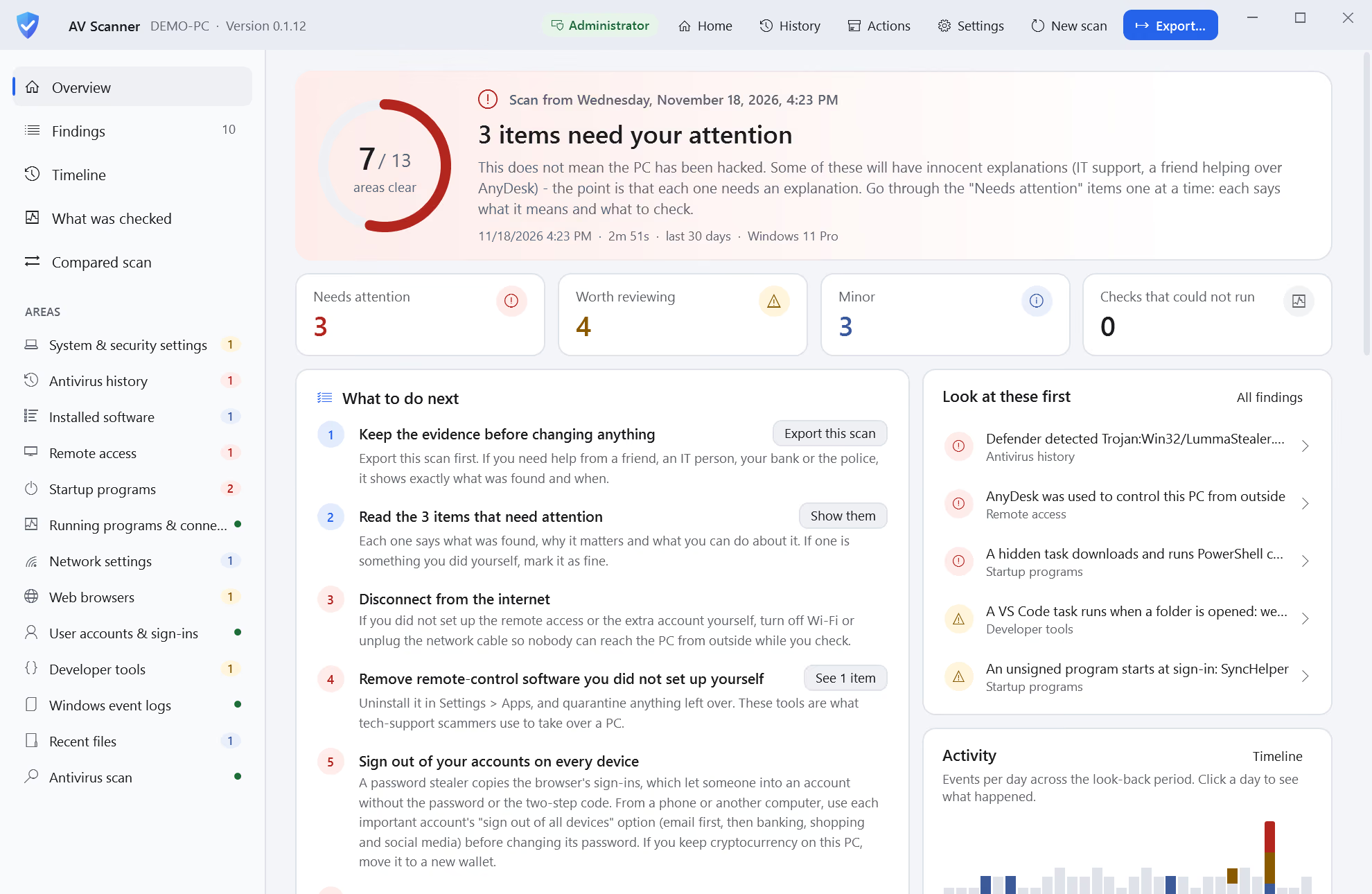
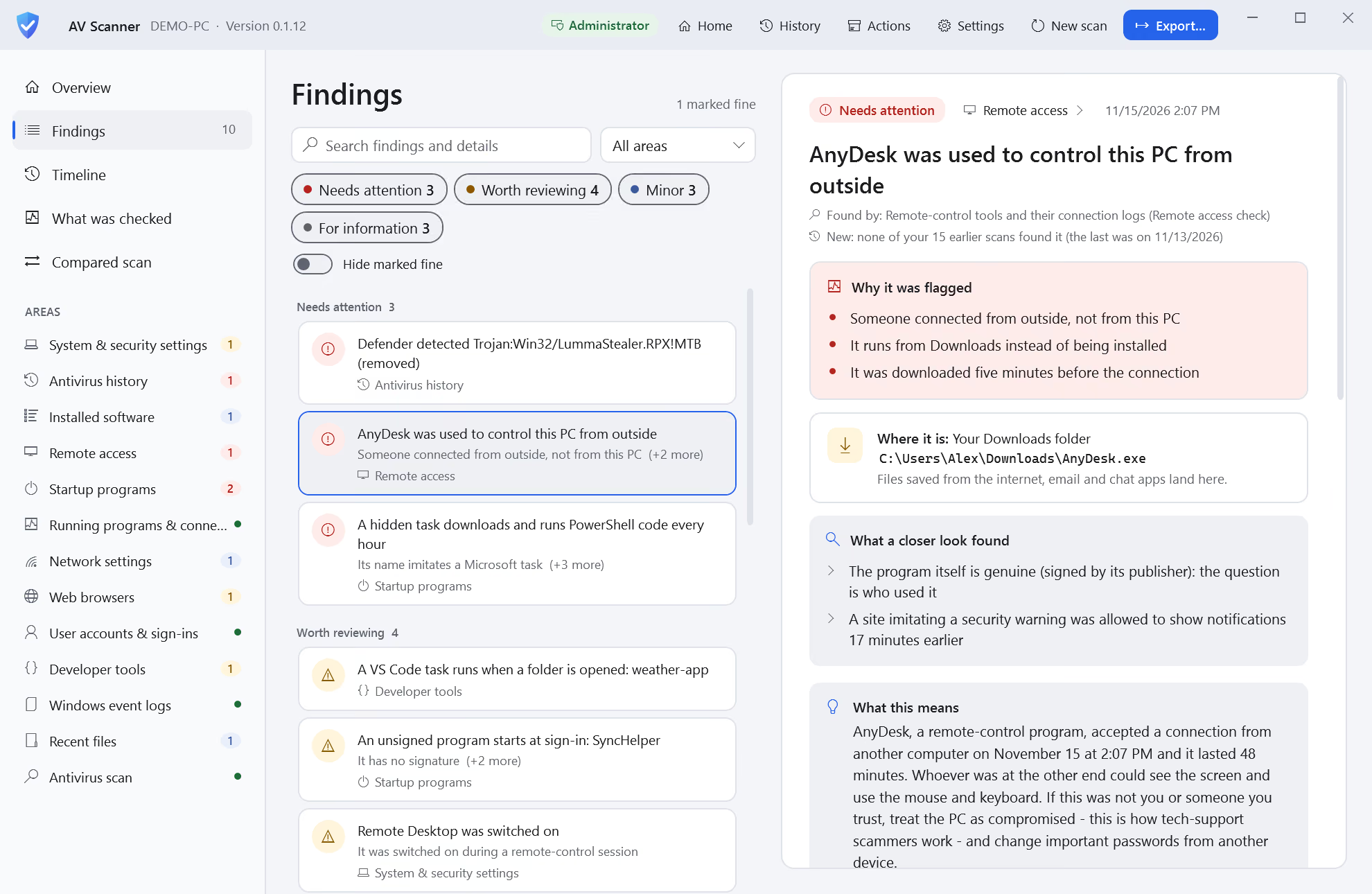
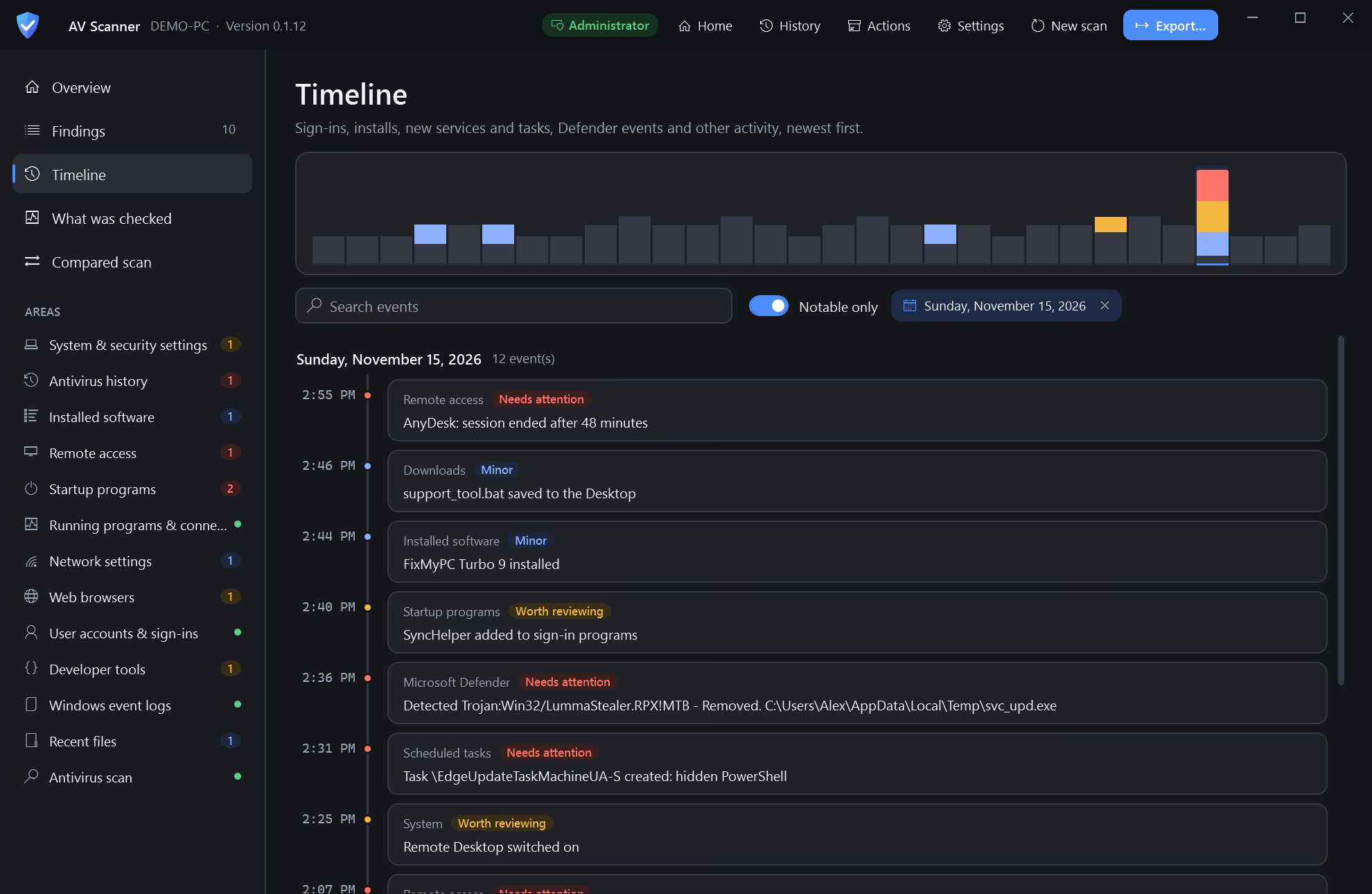
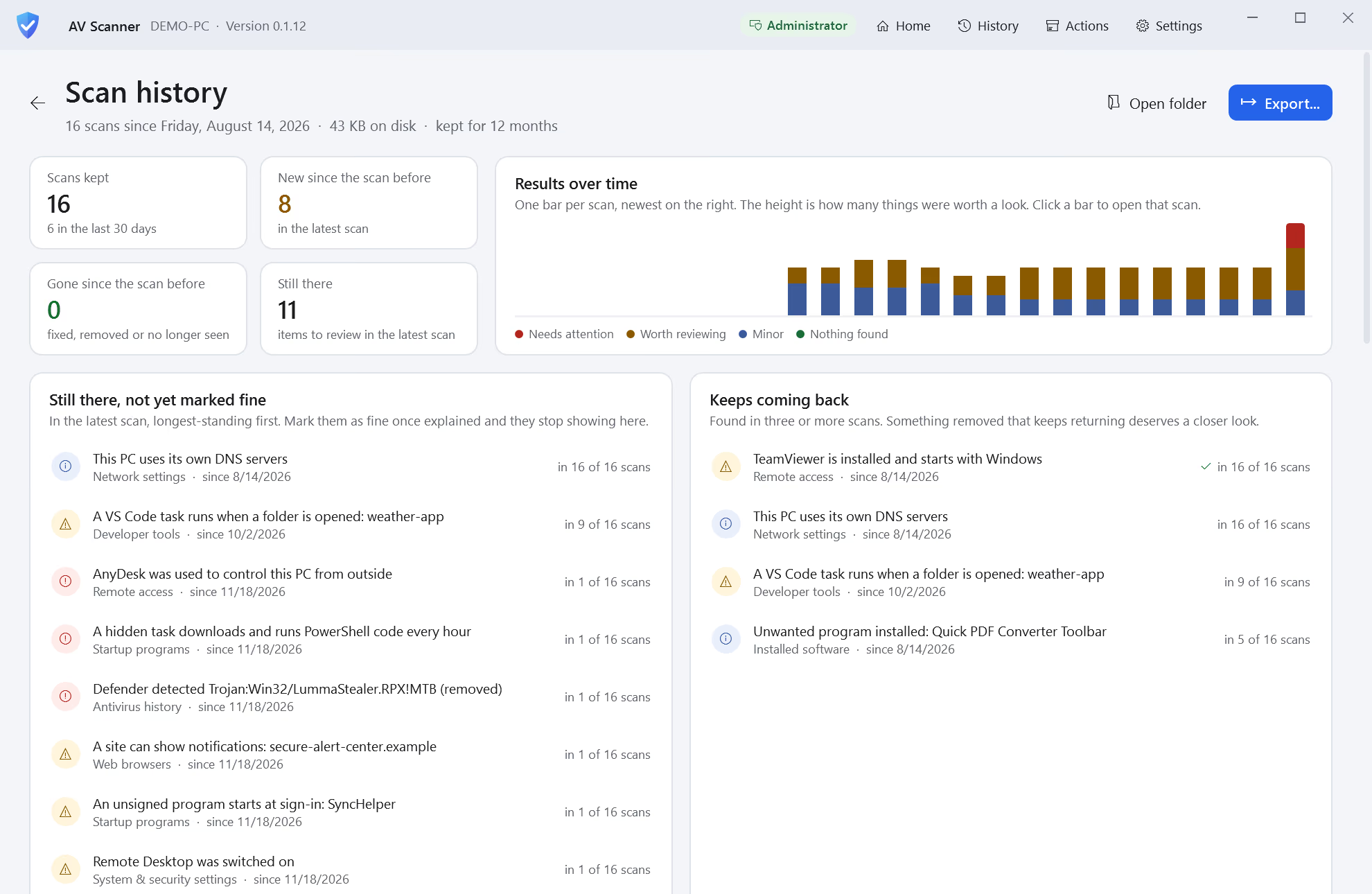
Every finding says what was found, why it matters and what to do next, with the evidence behind it. A timeline puts sign-ins, installs and Defender events in order, and each scan is compared with the last.
What we built
13 areas
Remote access, startup programs, browsers, accounts, event logs and more, each shown as checked.
Plain English
Every finding says why it was flagged, where it is and what a closer look found.
Next steps
A calm verdict first, then numbered steps in the right order.
Timeline
Sign-ins, installs, new tasks and Defender events on one timeline.
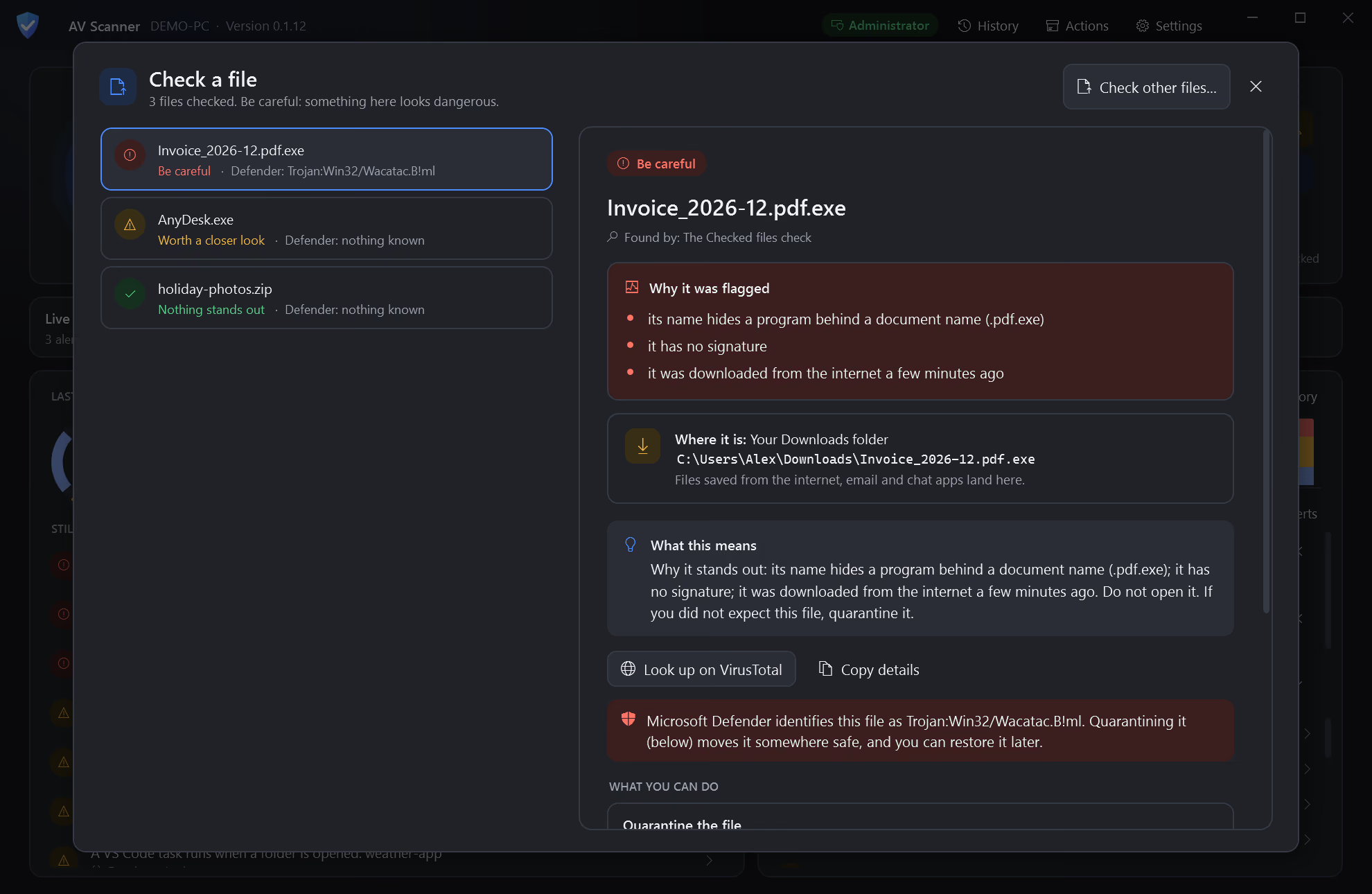
Check a file
Flags an invoice that is really a program, and says what to do.
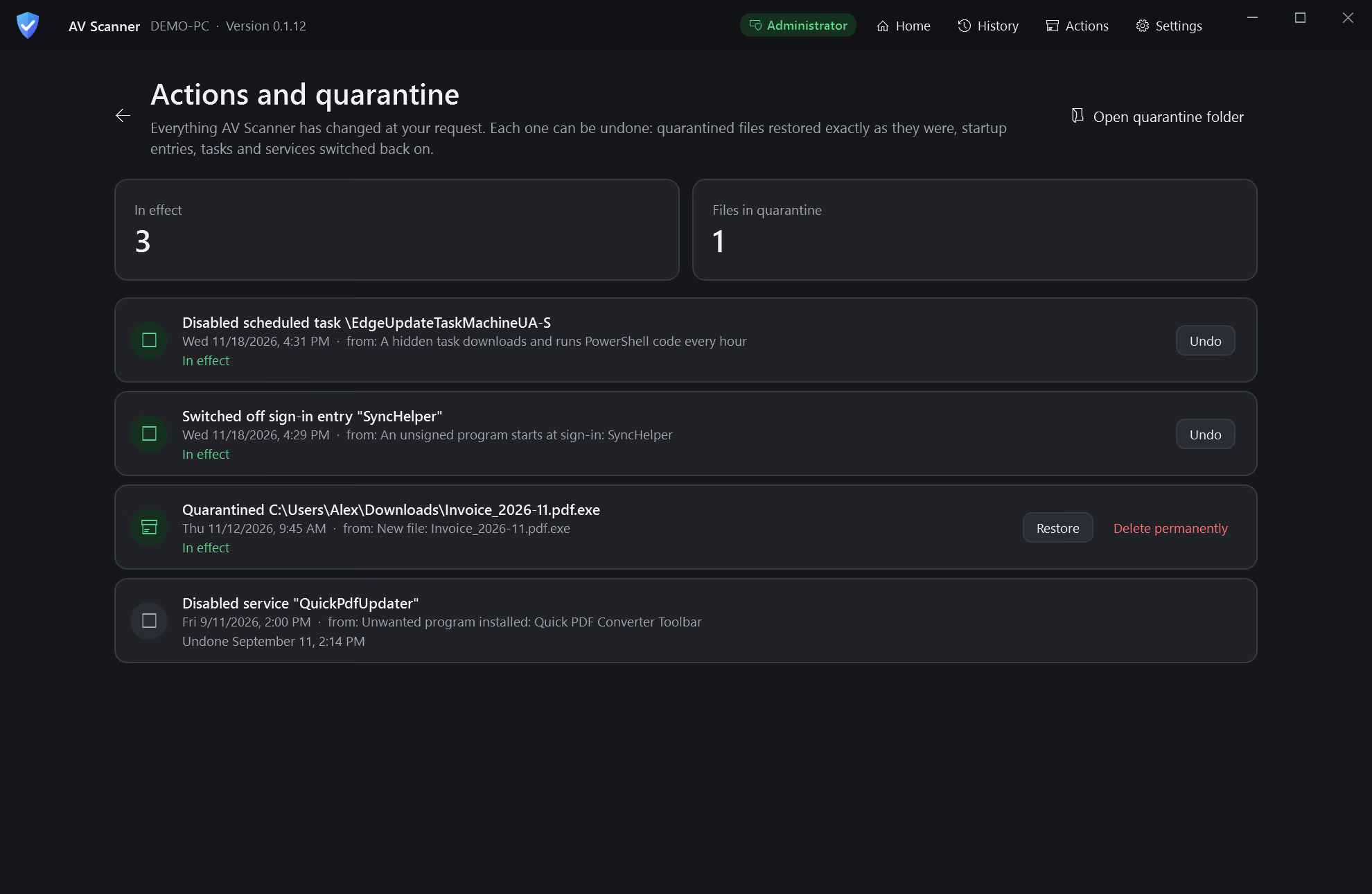
Actions with Undo
Disable a task, switch off a startup entry or quarantine a file, and undo any of it.
Screens
By the numbers
- Lines of code
- 28,138
- Tests
- 578
- Source files
- 198
- UI components
- 17